
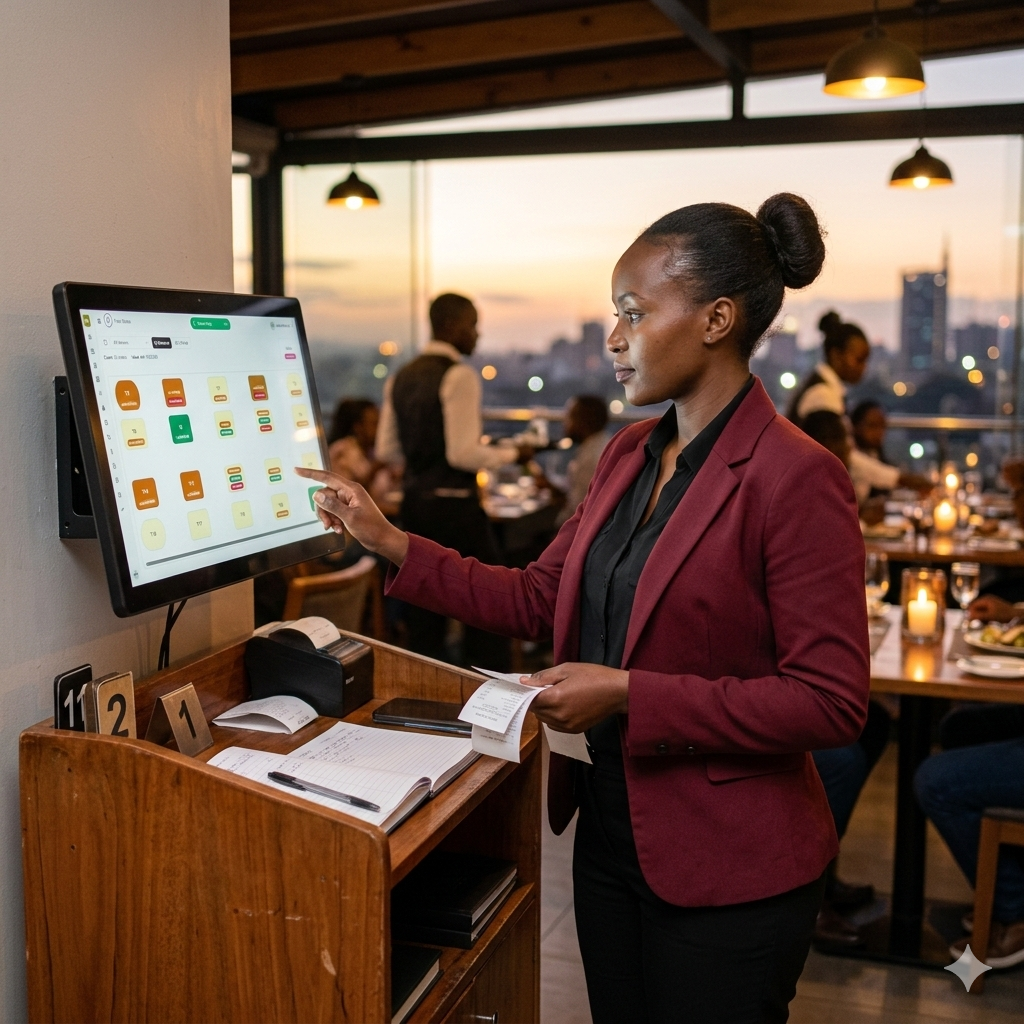
Make printing easier across your outlet. Use one simple setup point to manage bills, receipts, and preparation printing, whether you have one printer or several.
Need the Bizflow printer helper? Download it here.
Install it once, then manage your outlet printers more easily from Bizflow.
If your outlet prints from one device, many devices, one printer, or many printers, Printer Bridge helps keep every printout going where it should without confusion.
Use one simple computer to help handle receipt, bill, kitchen, bar, and dispatch printing for the whole outlet.
Bills can go to the cashier while preparation slips go straight to the right team behind the scenes.
Your phones, tablets, and counters can all send printing through one setup point instead of each device struggling alone.
As your outlet adds more counters, stations, or departments, your printing stays organized and easy to follow.
Most outlets can set this up in a short time and start printing from one organized point, even when the team is selling from phones or tablets.
Save the download on the same computer that will help manage your printers.
Open it on the computer that is connected to the printer or printers you want to use.
Go to Printers inside Bizflow and choose what should print bills, receipts, or preparation notes.
Print a quick test and confirm every device and every printer is sending the right paper to the right place.
As your outlet grows, printing usually grows with it. Printer Bridge helps you keep that growth simple, so the cashier, kitchen, bar, packing team, and mobile sellers can all stay organized.

You do not need a complicated setup. Start with what you have and grow from there.
If your team takes orders on phones, you do not need to connect each phone to the printer separately. Keep one printer connected in one place and let the team print through that setup.
One computer can help manage several printers at once. This is useful when the cashier needs one printer, the kitchen needs another, and the bar needs its own preparation printer.
If you sell from the counter, from the floor, or from different departments, Printer Bridge helps everyone keep using the same organized print setup.
Some outlets want a cleaner setup without extra cabling. If you use a Bluetooth receipt printer, Printer Bridge still helps you keep printing simple, especially when the team is selling from phones or tablets.
If your cashier or seller is using a phone, a Bluetooth printer can still fit into the same organized Bizflow printing setup. Install Printer Bridge, connect the printer, test it once, and continue selling.
If your printer needs its driver first, download it here, install it, then come back and continue with Bizflow Printer Bridge.
Download Printer Bridge, connect the printers you need, and keep your bills, receipts, and preparation printing organized from one place, even when your team is selling from several devices.
Offline POS, M-PESA, shifts, stock and waiter management — written for restaurant, bar, café, hotel and liquor retail operators.

Power cuts, slow internet, and busy rush hours make cloud-only POS risky. Learn why an offline POS in Kenya ke…
Read article
STK Push, Till, and Paybill explained in plain language. See how M-PESA POS integration in Kenya speeds up che…
Read article
A practical guide to choosing the best POS in Nairobi for small restaurants and bars — offline reliability, M-…
Read articleBottle counts, breakage, supplier deliveries, and daily variance — a practical guide to stock tracking for liq…
Read article
Waiter clearances, per-waiter sales reports, and shift closing explained for Kenyan restaurants. Reduce disput…
Read article
Hidden costs, offline limits, and upgrade traps in free POS Kenya options. Compare what you actually get befor…
Read article
Gross sales, net sales, payment mix, voids, and shift totals — learn how to read a restaurant sales report in…
Read article
Offline capability, M-PESA, pricing, support, and staff training — the complete buying guide for choosing the…
Read article
How to run dining orders with open bills, table assignment and kitchen dockets that show server and table — th…
Read article
Cost, units sold, revenue and profit estimate per product line — learn how Bizflow product sales reports help…
Read article
Reconcile physical counts with POS sales each shift. How Bizflow shift inventory reports show opening quantity…
Read article
Track who sold each unit, who changed stock counts, set reorder alerts and export LPO PDFs to suppliers — inve…
Read article
Close Saturday lunch and open Saturday dinner as separate shifts. How Bizflow timelines give Kenyan operators…
Read article
Live timeline totals, historical shifts and emailed reports from your phone — how Bizflow PRO remote monitorin…
Read articleHow Kenyan laundry shops use Bizflow for standard and express bookings, branded item tags, wash-to-pickup trac…
Read articlePick a plan for your outlet, team, and monthly sales volume. Start small, then upgrade as the business grows.
Choose the package that matches your outlet size. Medium and Business unlock stations and departments, while Business adds prioritized 24/7 support.
For dukas, kiosks and small counters getting online.
For growing outlets that sell more every day.
For busy floors and higher daily volume.
No free plan · Pay via M-Pesa in the app · Upgrade or downgrade anytime · bizflow.ke